Phone: Galaxy A32 · freeDuration: 5 minutesOpen the phone
Pick a phone
A free model from the fleet, or the first free one, and a maximum duration.
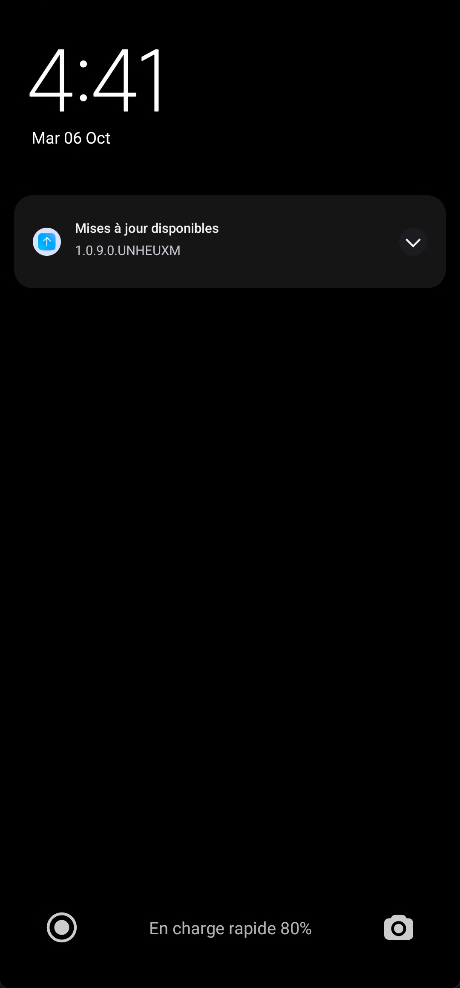
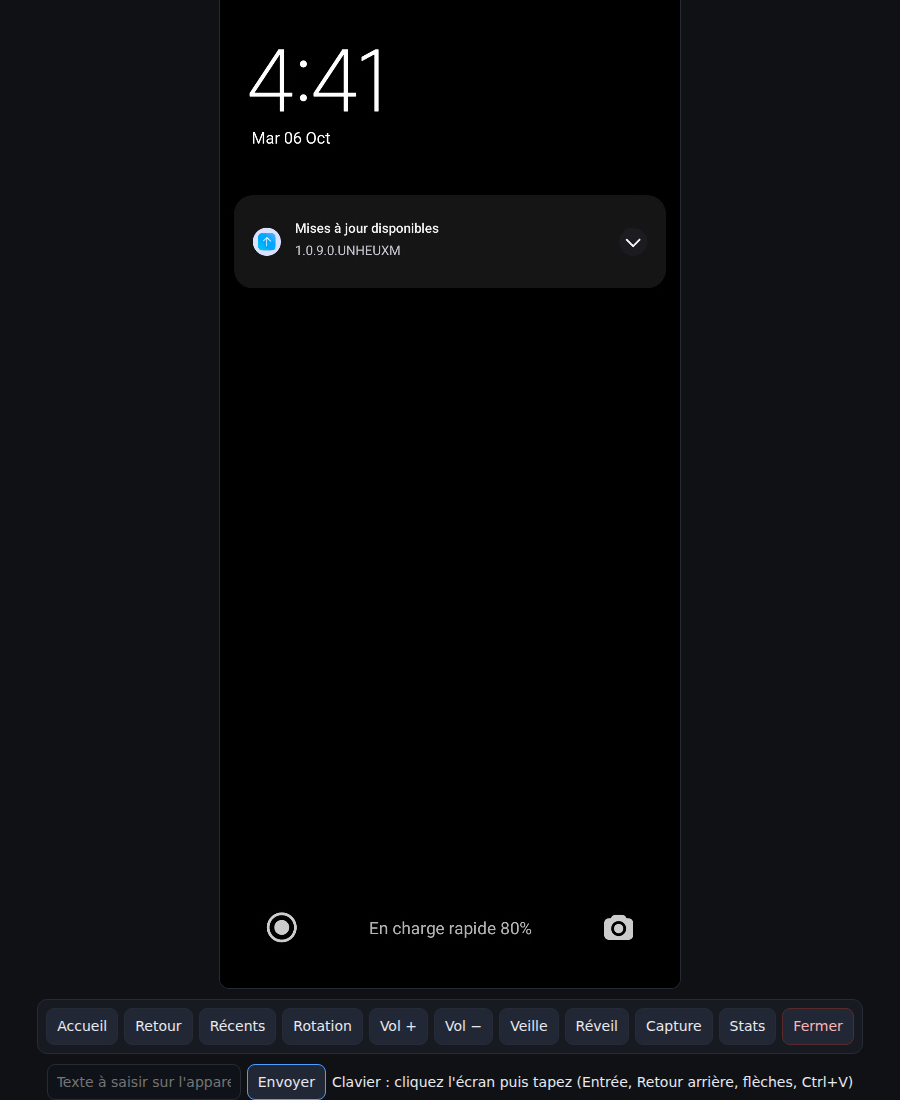
Pick a Samsung, a Xiaomi or a Huawei from the fleet: its screen shows up in your tab and you drive it with your mouse. You only pay for the minutes you use, and the phone is reset after you.
No credit card to start. Secure payment through Stripe when you change plan.
A fleet of real phones, in France
Real phones: Samsung, Xiaomi, HuaweiNo credit cardHosted in FranceReset after every session
A free model from the fleet, or the first free one, and a maximum duration.
The screen arrives live: you tap, type, install your app.
At the end the phone is reset; your screenshots stay in your dashboard.
Manufacturer skins, fonts, power management and system dialogs, exactly as your users see them.
The screen arrives as video at around thirty frames per second. Click, drag, wheel and keyboard go to the phone, nothing to install.
Install your app on the rented phone, launch it, test your flow. It is gone when the session ends.
The “Capture” button stores the screen in your dashboard. Every session gets a report you can share with a link.
You pick a maximum duration: the session stops at the deadline and so does the bill. No ghost minutes if you close the tab.
On close your app is uninstalled and downloads are cleared. The next customer finds no trace of you.
The customer has a Galaxy, you do not. Open the same model, reproduce, capture the screen: the ticket has its proof.
Drop today’s build on a Xiaomi or a Huawei, check the home screen and permissions, without buying the phone.
Share your screen on a real Android phone, from any computer, and keep the demo screenshots.
An API key from your dashboard, and your code or CI opens a session: you get the viewer link and the routes to install an APK, take screenshots and read the log.
curl https://tactile.hangarmobile.com/api/v1/sessions \
  -H "Authorization: Bearer dk_live_…" \
  -H "Content-Type: application/json" \
-d '{"device":"Galaxy","max_minutes":15}'{
"id": "ses_…",
"device": { "model": "SM-A325F" },
"viewer_url": "https://tactile.hangarmobile.com/session/sts_…",
"max_minutes": 15,
"credits": { "per_minute": 1 }
}2 minutes a month, no credit card.
30 phone hours a month.
150 hours a month, 3 parallel sessions.
Compare plans in detail · one phone minute = 1 credit · Per minute plan: €10 a month for 100 minutes.
No. The free account includes 2 minutes a month, in one session of up to 2 minutes. A card is only asked for a paid plan.
Chrome, Edge, Opera, Safari 16.4 or later, Firefox 130 or later. The video stream is decoded by the browser: nothing to install.
A session does not queue: the dashboard tells you how many phones are free before you click, and nothing is charged if none is. The fleet is growing during the beta.
Not yet: you get gestures, keyboard, system buttons, APK install, screenshots and an app’s Android log. An allow-listed shell comes next.
Booking slots in advance comes later. For heavy use, the “Dedicated device” plan keeps a phone for you around the clock.
No. No personal account is used; if you sign in to a service during the session, sign out before closing: the reset uninstalls your app and clears downloads.
The service is hosted in France (OVHcloud) and the phones are physical, in France. Screenshots are private; a share link only exists if you create it, and it expires.
Create a free account: 2 free minutes every month, no credit card. The phone opens in two clicks.